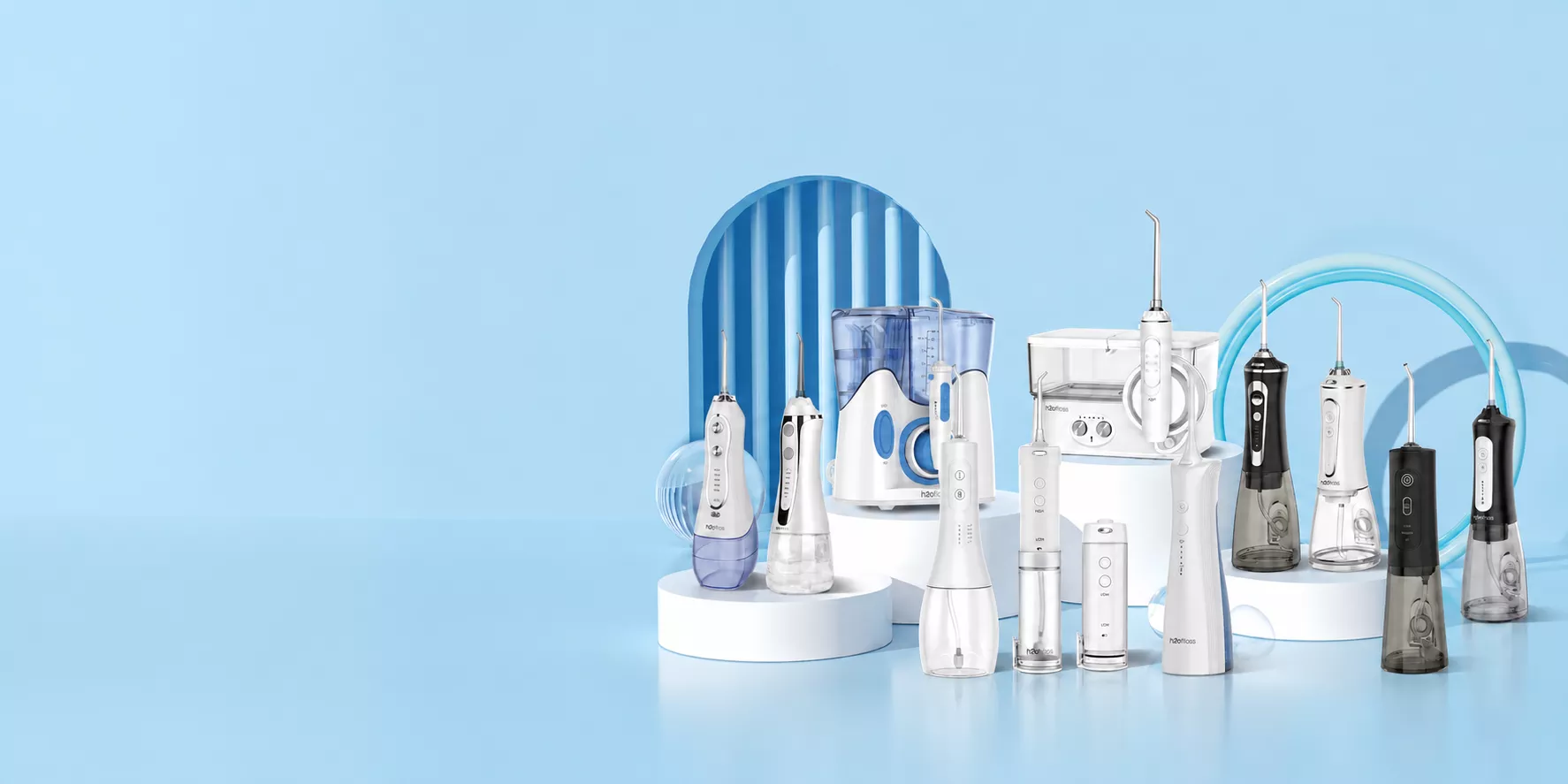
For a first range of private label oral care products, launch one powered device and the replacement pack that fits it. Choose a sonic toothbrush if your customers are shopping for an everyday brush. Choose a water flosser if they already brush and want a device for cleaning between their teeth. Add both at launch when your channel has demand for the pair and you can stock parts for each.
Sonic Toothbrush or Water Flosser?
Start with the step in the routine your customers want to change. A sonic toothbrush uses a moving brush head for daily brushing across tooth surfaces. A water flosser directs a stream between teeth as a separate step in the routine. The two devices address different needs, so compare them against the same buyer profile and sales channel.
A pharmacy buyer replacing an older store-brand brush might already know which shelf space and price point the new brush must fit. Ask how customers will identify and buy the right head six months after launch. A distributor whose customers already sell brushes might find more demand for a flosser if stores report requests for a powered interdental device. Check how those stores would demonstrate filling the tank and changing the tip.
Use evidence from your own channel. Ask store staff what shoppers request, check support tickets for recurring questions, or offer a small pilot to a retailer that can report sales and returns. Record who supplied the signal and what it tells you about the proposed pack. For the distinction between the two tasks, see the ADA’s guidance on brushing and interdental cleaning. For demand research methods, see the SBA’s market research guide.
Private Label Launch Budget
Confirm which retail pack your channel can list and the smallest order the supplier will build for it. Start with one device color, the accessory count and the packaging you need for that channel. A pharmacy may need a particular box depth or a shelf slot for refills. An online seller needs a clear product listing and a replacement pack that buyers can find by model. Check those details against a packed sample.
Multiply the packed unit price by the minimum order quantity (MOQ) for each stock-keeping unit (SKU). Add any separate setup fees, the inbound costs you will pay, and the cost to stock the first refill packs. Use the same currency and receiving point for both options, and count each charge once. Check when those amounts come due. If an example quote requires 500 units per color, listing two colors commits you to 1,000 units. Ask whether the supplier will split a smaller order across colors before finalizing the range.
Quote the replacement pack with the device. Record the exact head or tip SKU, pack count, order minimum and reorder lead time. Fit a sample from the replacement pack onto the approved device. For a flosser, include the intended tip types in the quote and confirm the attachment fit. See BFT’s nozzle types and compatibility guide.
Fill In Your Launch Comparison
When comparing private label oral care products for the same customer, copy this table and complete both columns at the same receiving point. Use buyer feedback and comparable supplier quotes. Write a test or a question next to any input you still need to verify.
| What to Decide | Sonic Toothbrush | Water Flosser |
|---|---|---|
| Customer need | Brushing upgrade ______ | Between-teeth cleaning ______ |
| Demand evidence | Brush requests or pilot sales ______ | Flosser requests or pilot sales ______ |
| Pack and channel | Box, listing and head count ______ | Box, listing and tip count ______ |
| First order | MOQ by SKU and total cash ______ | MOQ by SKU and total cash ______ |
| Replacement stock | Head SKU, cost and reorder time ______ | Tip SKU, cost and reorder time ______ |
| Decision | Approve, test or hold ______ | Approve, test or hold ______ |
Approve the device with the clearest evidence of demand that also meets your cash limit and replacement stock plan. If a pack fits the budget but no one can confirm the refill part or its supply, hold that option and ask for a fitted sample and reorder terms.
Add the Second Device in Stages
- Launch the device and its refill. Give the replacement pack its own order code and show that code on the listing, insert or shelf label. Set a review date and agree how many sales and what return rate would justify a reorder.
- Test the second device on its own. Look for sell-through and a retailer reorder or repeat customer demand. Read service tickets to see whether customers can find the right spares. If buyers also ask for the second device, pilot it while you can still track its own sales and returns.
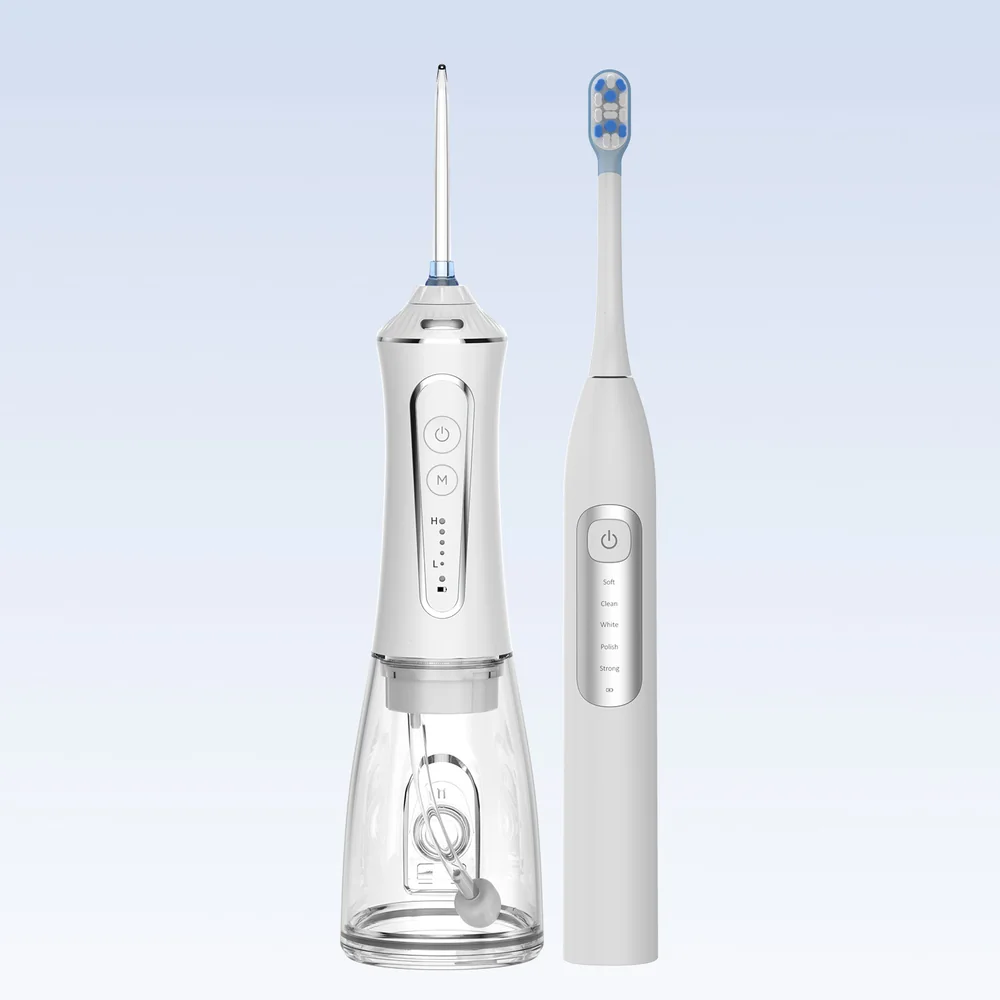
- Bundle when the channel can support both. Confirm the retailer’s commitment, both devices’ availability, the two replacement pack codes and who handles a return when one unit fails. BFT lists the HF-CleanKitX1 as a two-device kit. Use the exact sample and order specification to confirm the items in the box and replacement parts for that version.
For an order comparison, send BFT your first-launch brief with the target market, buyer profile, channel, pack and order quantity. Include your opening cash limit and request a separate line for compatible replacement packs.
FAQ
Should the First Device Include Extra Refills?
Include an extra head or tip if the pack and margin can support it, then keep a separately orderable refill for future purchases. Show the included count and compatible refill code on the listing.
Can a Retailer Pilot a Bundle First?
Yes, if it commits to the pack and you can support both devices and spare parts from the first sale. Give the pilot a fixed review date and track bundle sales and component returns.
Where Do Non-Powered Products Fit?
Manual brushes or floss may fill a separate shelf or price need. Give them a separate sourcing brief and compare their own pack sizes and order minimums before adding them to the first order.